Structured stock counts
Create inventory counts with dedicated count lines instead of relying on disconnected spreadsheets or handwritten lists.
 Cost EssentialsKitchen Management
Some content on this page is shown in English while translations are being prepared.
Turn stock counts into dependable operational data across outlets.
Each module uses the same Cost Essentials foundation and keeps the correct organisation, location and outlet context where relevant.
This product image is temporarily unavailable. Explore the workflow description below.
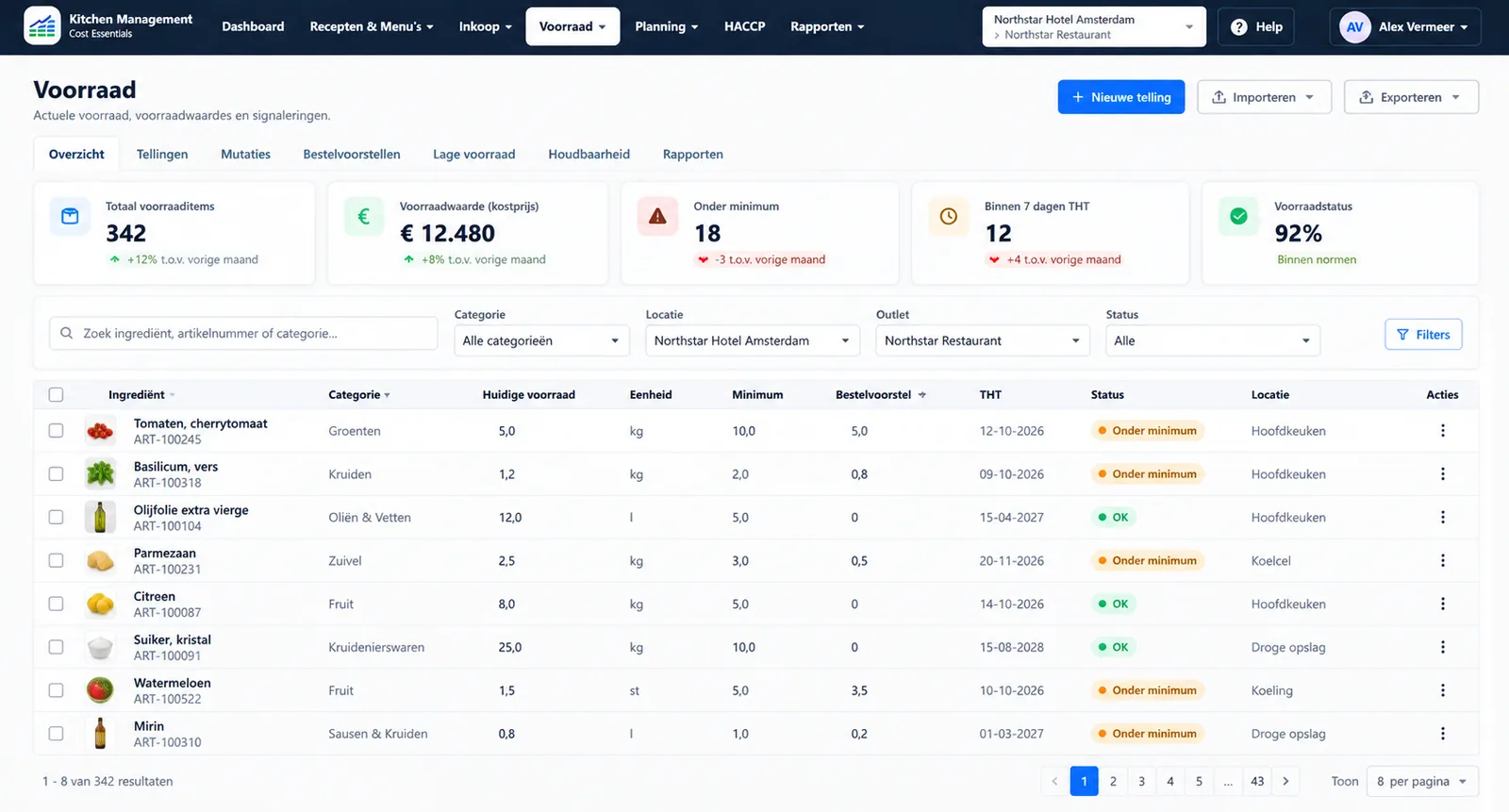
Keep inventory organised by operational scope and count against the same units and item structures used elsewhere in Cost Essentials.
Create inventory counts with dedicated count lines instead of relying on disconnected spreadsheets or handwritten lists.
Keep stock activity associated with the right organisational context so counts remain meaningful across outlets.
Use the same unit model that supports ingredients, supplier articles and recipe data.
Record the delivery against its source.
Keep the operating scope explicit.
Compare the count with the stock record.
An item quantity needs a location, outlet and unit to be meaningful. Keep that scope visible instead of combining different kitchens into one detached stock sheet.
This product image is temporarily unavailable. Explore the workflow description below.
Use inventory counts alongside purchasing and receiving records. Shared articles and units help teams review stock without maintaining a second product catalogue.
This product image is temporarily unavailable. Explore the workflow description below.
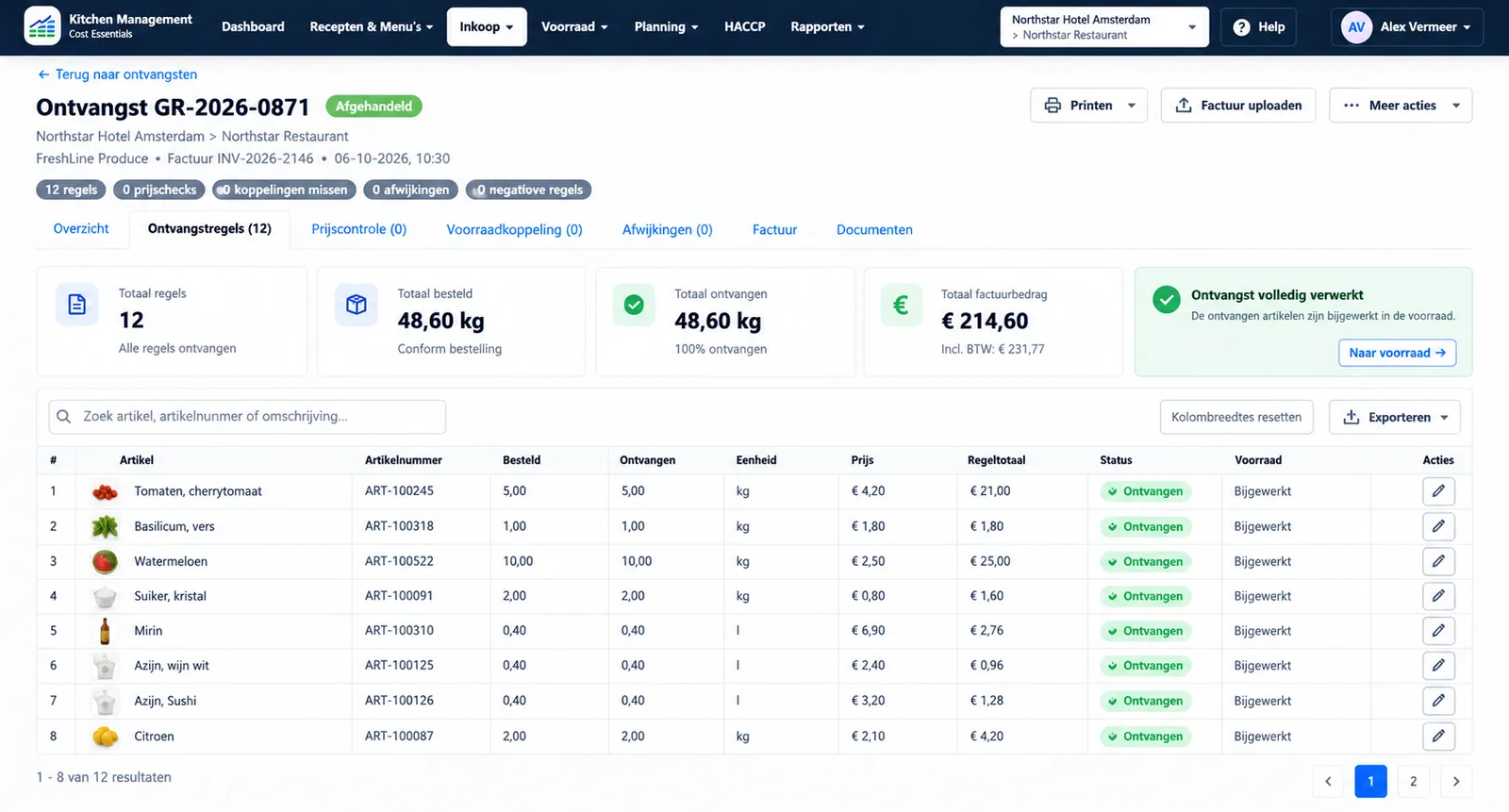
Select the right items and scope
Record quantities in consistent units
Check the count in its outlet context

Use a consistent product foundation for the recipes, ingredients and purchasing information your kitchen teams rely on.
Inventory is designed to use the same operational item and unit foundation as the rest of the platform.
Dedicated count records keep individual stock-taking sessions structured.
Record item quantities and units in a repeatable format.
Support stock work within organisation, location and outlet structures.
Avoid creating a second disconnected item master purely for inventory.
Use structured inventory items and units as the basis for the counting process.
Record quantities in inventory count lines while preserving the operational scope of the count.
Use the resulting stock data as part of the same connected operational foundation used by purchasing and costing.
This product image is temporarily unavailable. Explore the workflow description below.
The inventory foundation is structured around organisation, location and outlet scope.
Voice counting is a development direction. We will confirm its current availability in a demo rather than present it here as a released feature.
Supplier articles, ingredients, recipes, organisation structure and review states can support multiple workflows instead of being recreated for every task.
Core modules are included in the all-in pricing model rather than sold as separate operational add-ons.